
Find anything
you saw on your Mac.
TimeScroll keeps a quiet, searchable timeline of your screen. Scroll back to any moment, or just search for what you remember. Everything stays on your Mac.
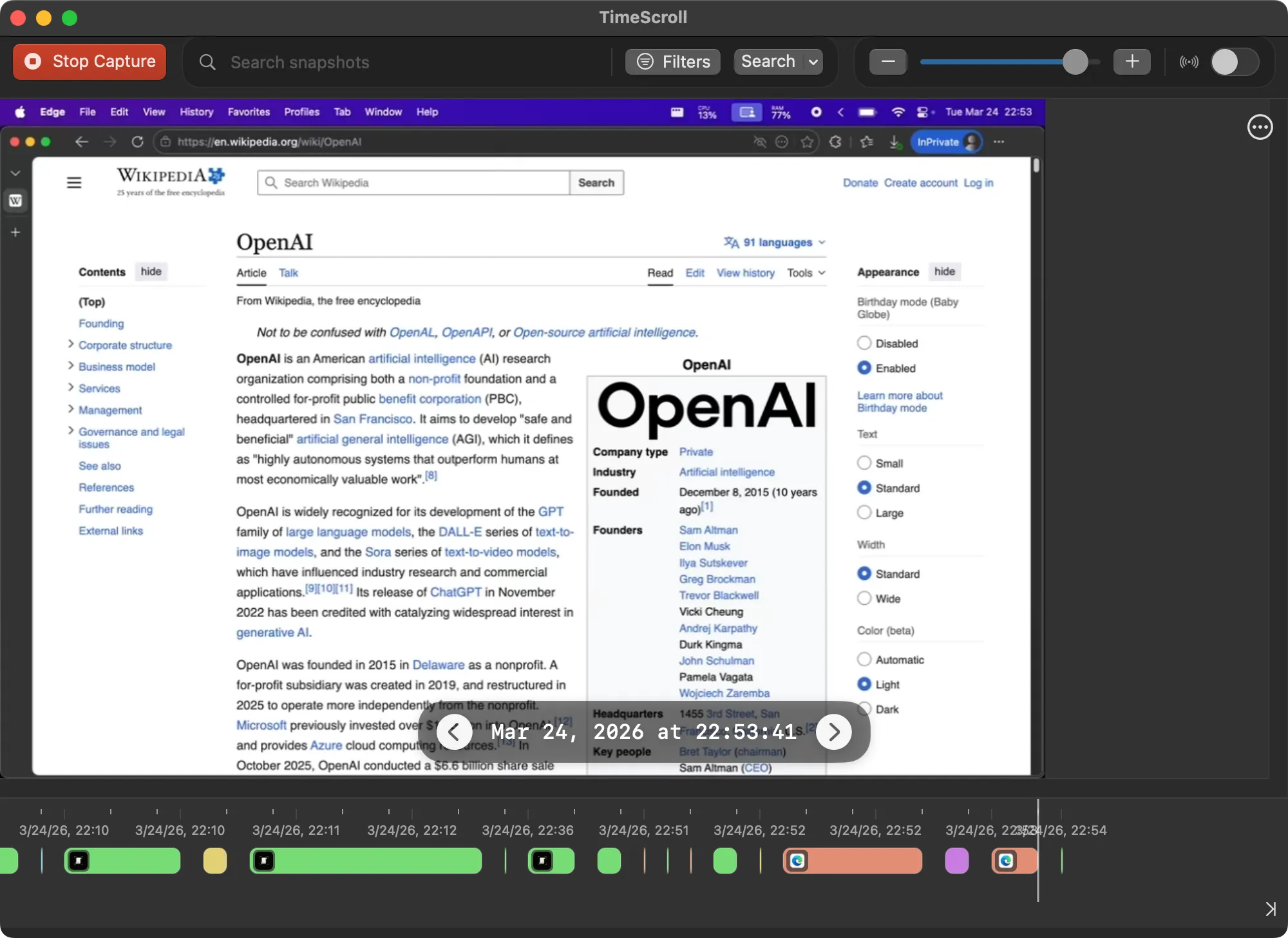
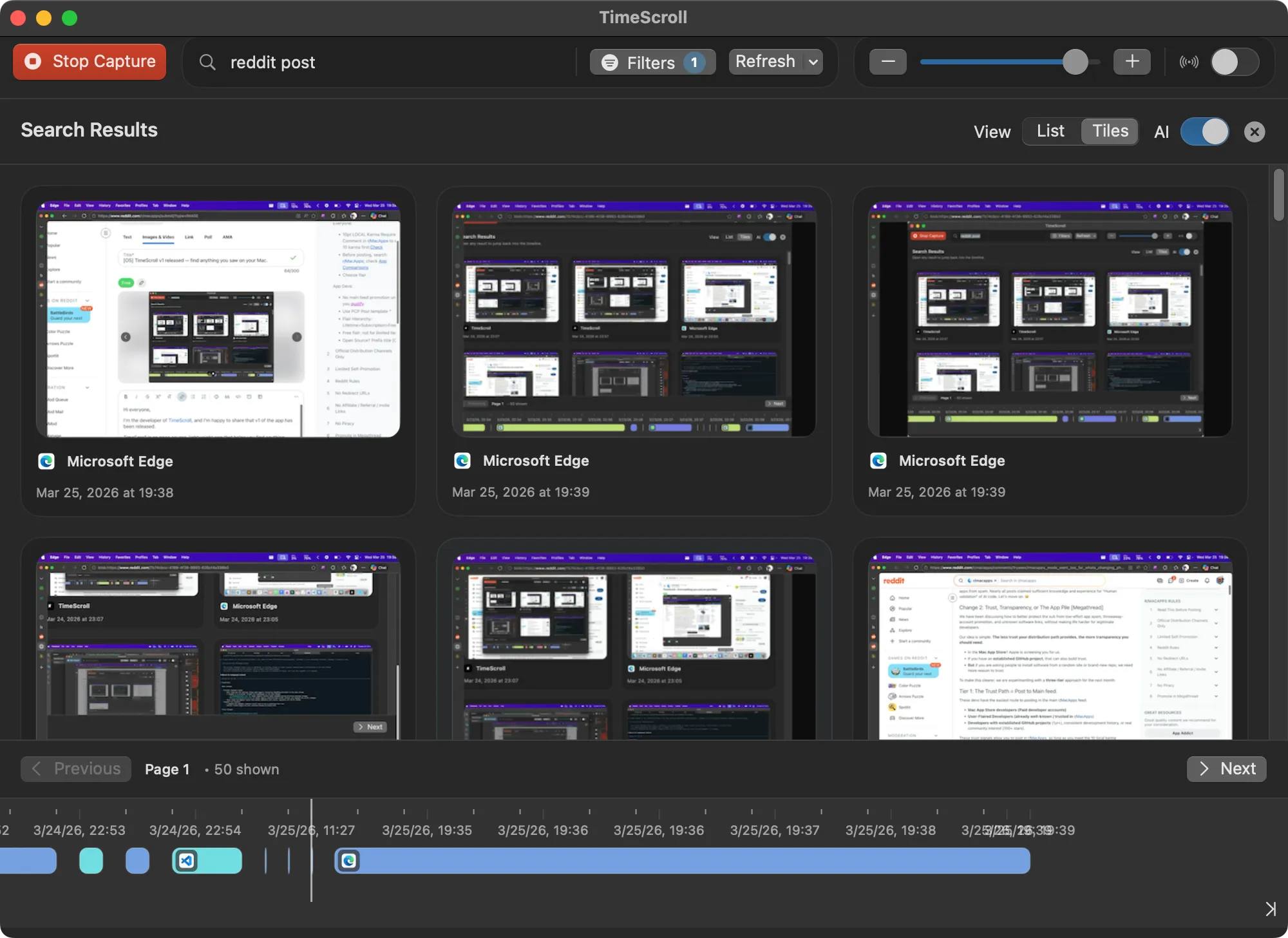
Search by what you remember
Type a word you saw and TimeScroll finds every moment it was on screen. Can't remember the exact words? Describe it instead. AI search runs entirely on your Mac.
- Matches highlighted right on the snapshot
- Filter by app and date range
- Switch to AI mode to search by meaning
Built to find it again
Native Swift, built to stay out of your way, and private by default.
Timeline
Your day as a color-coded strip of the apps you used. Scroll back to any moment and see exactly what was on screen.
Text search
Search any word that appeared on screen. Matches are highlighted right on the snapshot. Filter by app and date.
AI search, on-device
Describe what you saw and on-device MobileCLIP2 embeddings find it. Or use any local Ollama embedding model.
Light on energy
Direct mode reads text through macOS Accessibility instead of OCR. Near-duplicates are skipped and capture backs off when your Mac runs hot.
Audio transcripts
Optionally record microphone or system audio, transcribed on your Mac with Whisper.
Encrypted vault
Encrypt the database and media at rest. Unlock with Touch ID or your Mac password. (Beta)
Works with Claude
A built-in MCP server lets Claude and other MCP clients search your history when you ask them to.
Exclude apps
Never capture password managers, banking apps, or anything else you choose.
Runs in the background
- 00:00
Capture
Every few seconds, TimeScroll saves a snapshot of your screen when something has changed. Excluded apps are never captured.
- 00:01
Index
On-screen text is read directly through Accessibility (or OCR) and indexed locally. AI search adds on-device embeddings.
- later
Recall
Scroll the timeline, search a phrase, or ask in plain language. Jump straight to the moment it was on screen.
Nothing leaves your Mac
Snapshots, text, and search indexes live in a folder you choose. No accounts, no analytics, no cloud. TimeScroll is open source, so you can check.
Read the privacy policy →